
[Web] Where are my projects saved?
We save all of your projects on our server indefinitely so you may always come back and work on them whenever it’s convenient for you. SimplePrints Web automatically updates your progress in the background, so there’s no need to manually save your work.
Best Practice: To help ensure your latest project changes are saved, keep your browser connected to the internet while editing and allow a few moments for changes to sync before closing your browser or switching devices. We also recommend editing your project on one device or browser tab at a time. Learn more about using SimplePrints on more than one device here.
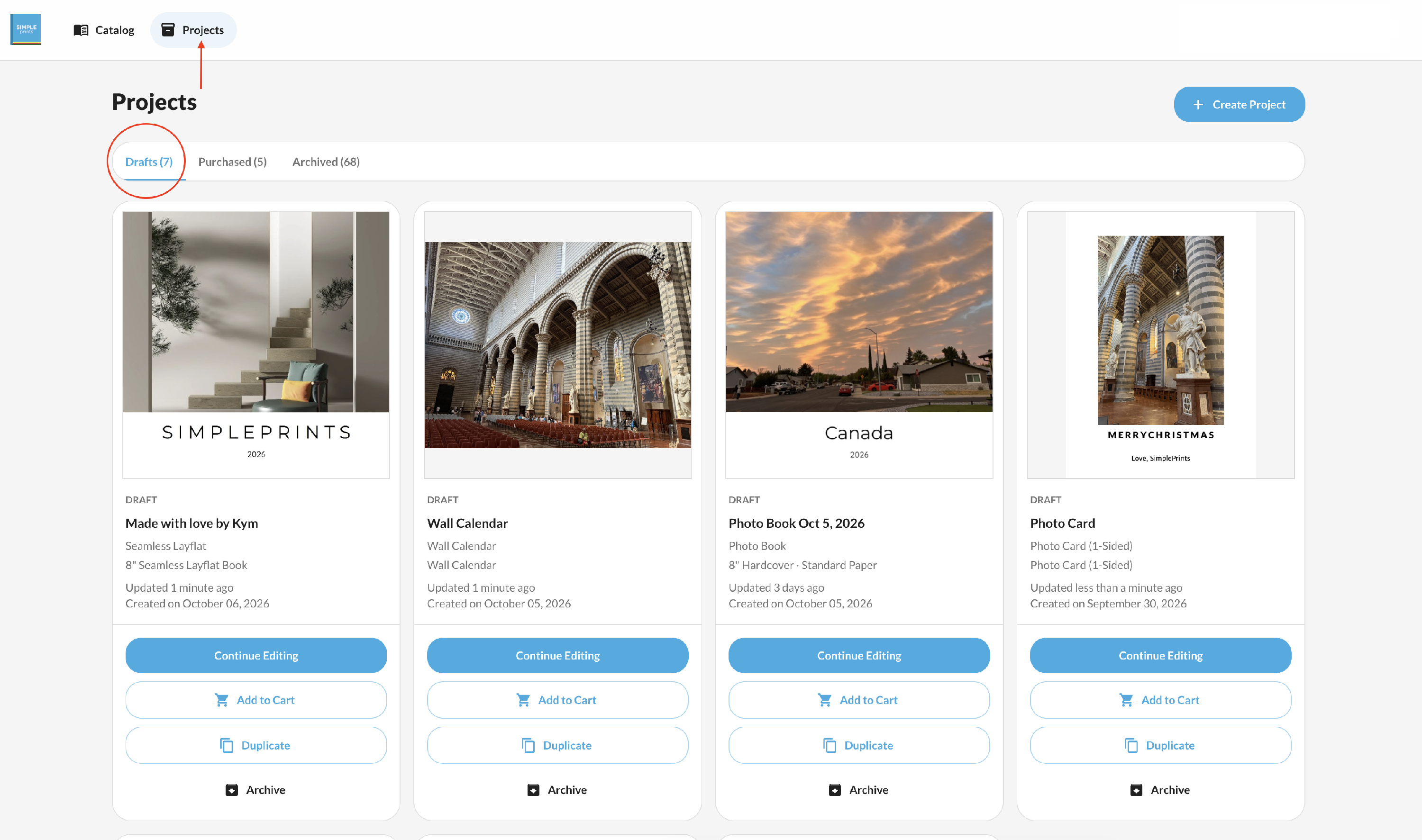
Projects that have not yet been purchased will be located in your Drafts folder.
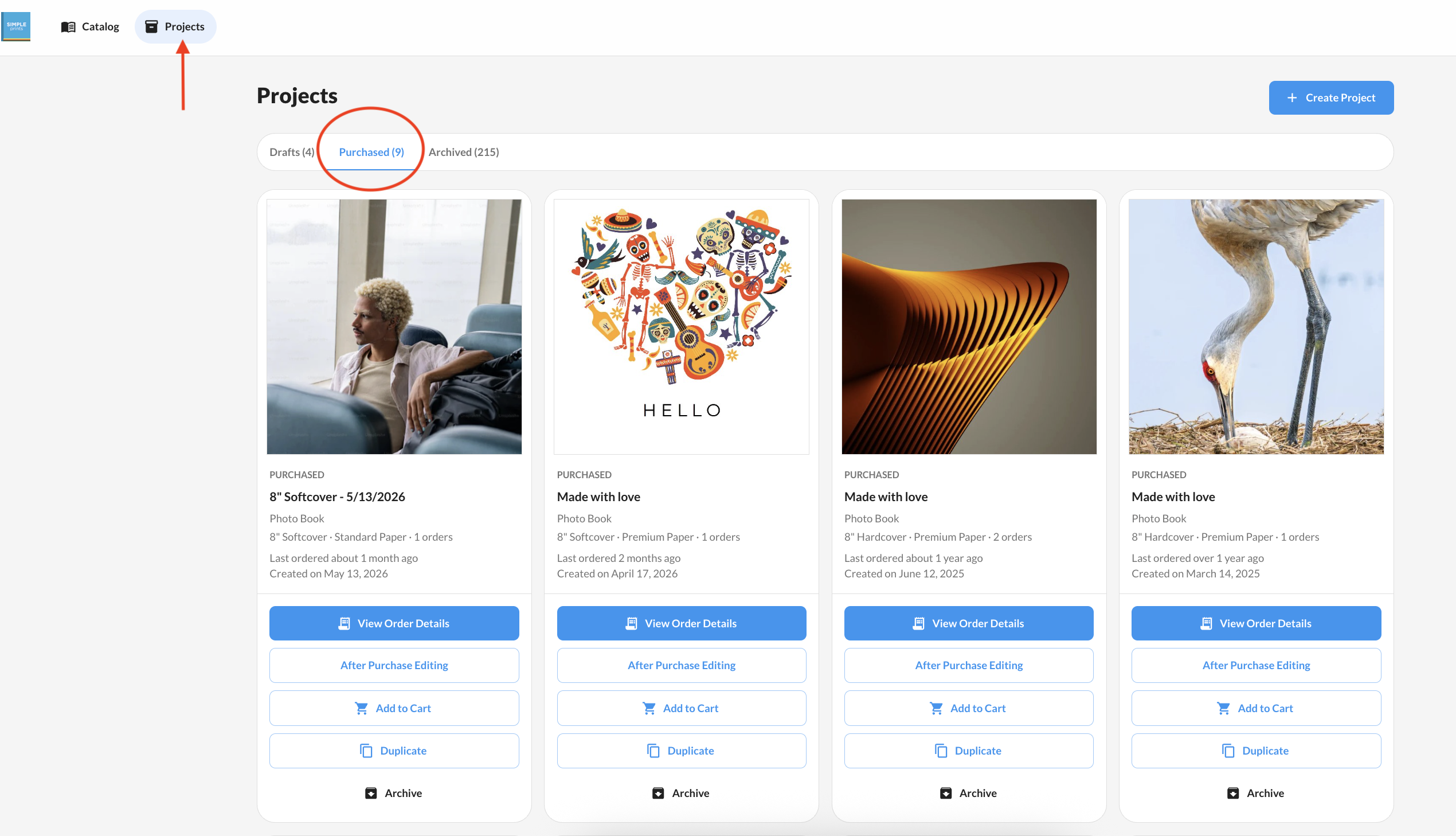
Projects that have been purchased will be located in your Purchased folder.
I can't find my project
If you can't find your project under Drafts or Purchases, check the following:
- Make sure you're logged into the correct SimplePrints account.
- If you have more than one login method (such as email/password or Google), verify that you're using the same method you used to create the project.
Looking for an older project?
Some older projects may have been auto-archived to help keep your Projects list organized.
Archived projects are not deleted. They can be restored at any time from the Archived folder.
For more information about Auto-Archive, see here.