How do I add a name to my project?
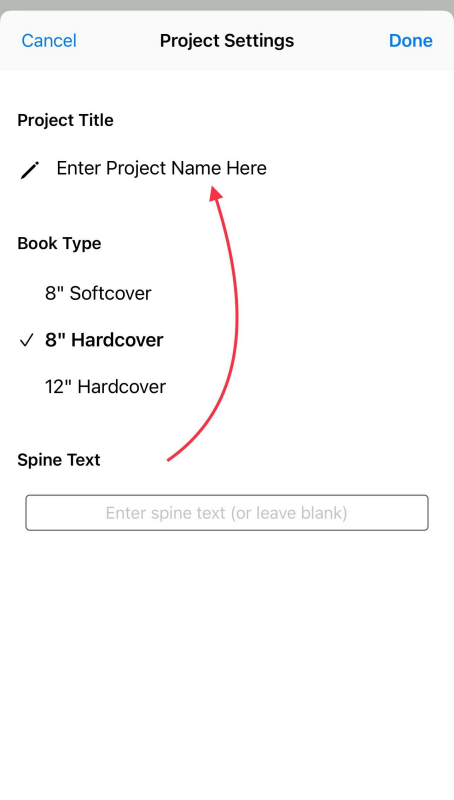
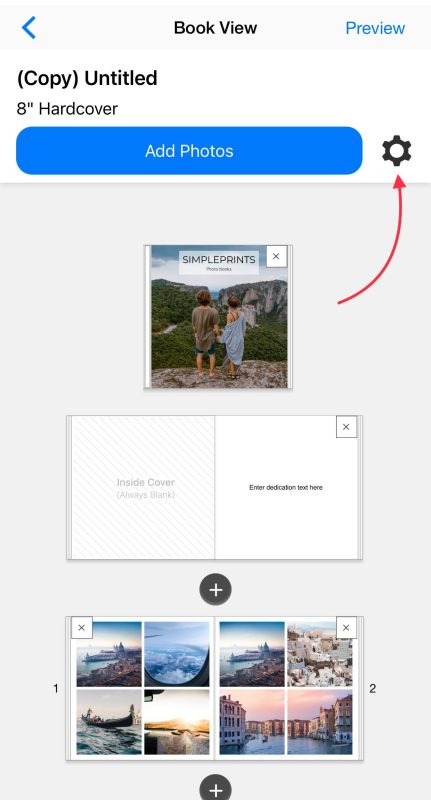
You can add a project name to your photo book project from the Settings menu in Book View. We've included screenshots below for reference.
Note: Project titles are not printed on the final product.
1. Tap on the Settings icon.
2. Enter Project Title, as shown below